
CISA: Collabora Flaw in Nextcloud Is Being Actively Exploited (CVE-2026-110447)
CISA added CVE-2026-110447 in Collabora's built-in CODE server for Nextcloud to its KEV catalog. Admins should update to 26.4.303 now.
Vulnerabilities
Italy's CSIRT warns of three high-severity flaws in ASUS router firmware 3.0.0.6_102. Find out which update your model needs and what to check now.
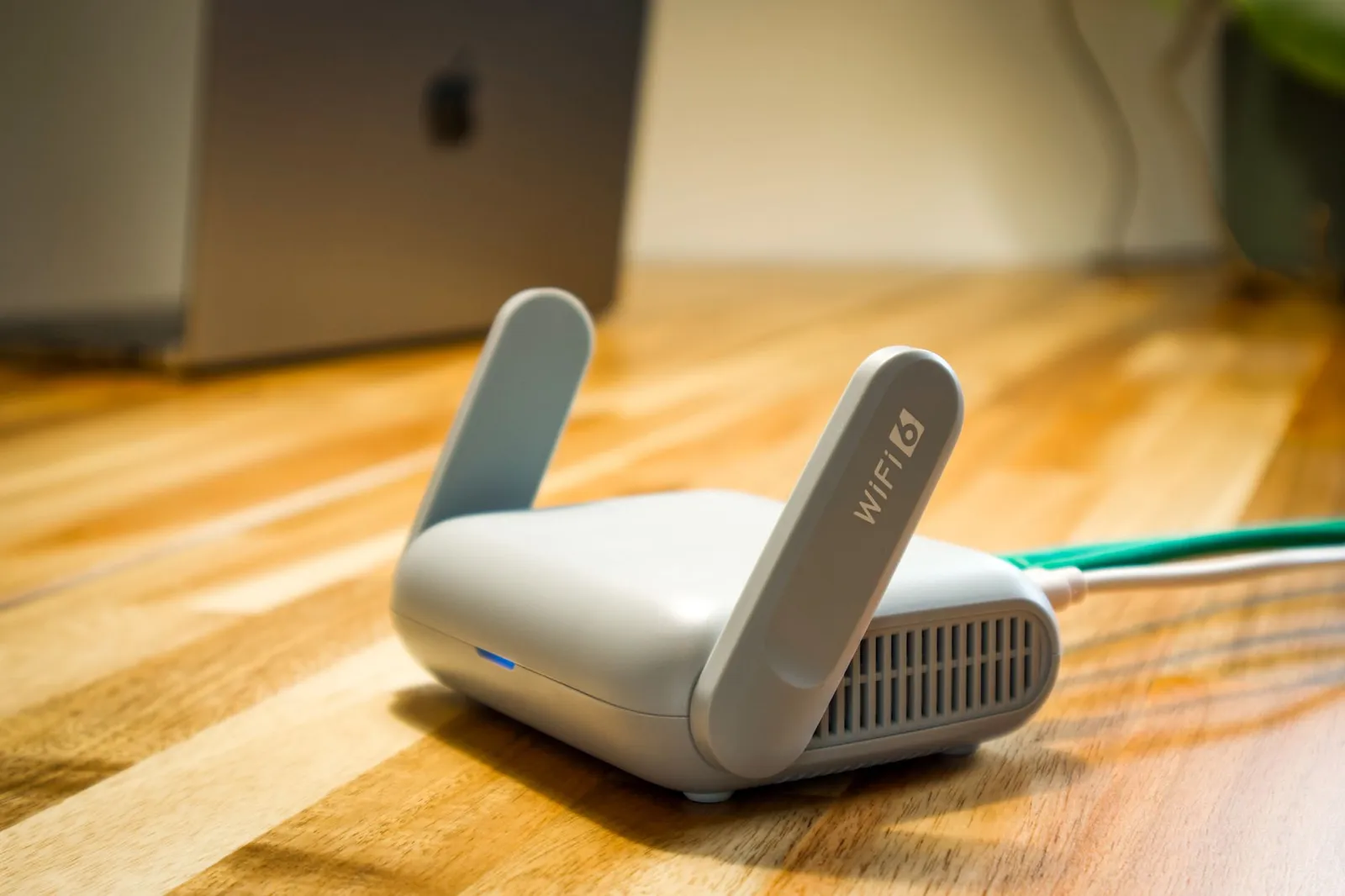
On October 23, an advisory was published about three high-severity vulnerabilities in ASUS router firmware. The notice from Italy’s national CSIRT covers the 3.0.0.6_102 firmware series and tells users to update according to the vendor’s security bulletin. Possible impacts include authentication bypass, privilege escalation and code execution.
The advisory lists CVE-2026-93489, CVE-2026-75779 and CVE-2026-75775. Don’t assume that all three flaws are exploited the same way, or that every router can be attacked directly from the internet.
The vulnerability database entry for CVE-2026-93489 says an unauthenticated attacker on an adjacent network could forge an access ticket. That could let them carry out administrative operations. CVE-2026-75779 combines command injection with request forgery. It relies on the session of an administrator who has been tricked into visiting a malicious website.
These differences in attack conditions matter when you assess the risk. A router with an admin panel reachable only from the local network still needs to be reviewed, and protecting the administrator’s session is part of securing the device.
The advisory covers a range of models that run this firmware family. The series number alone doesn’t tell you whether your device is affected. Check the exact model and firmware release, and use ASUS’s information to pick the right update.
The sources we reviewed don’t confirm that these flaws are being actively exploited. You should still install the patches. A router controls your network connections, so its configuration and admin access need the same care as the rest of your infrastructure.
Router reviews should also include devices in small offices and remote sites. Network security audits help you assess management access, configuration and whether device firmware is up to date.
Sources: CSIRT Toscana — CSIRT-ITA advisory, VulDB — CVE-2026-93489, CVE Brief — CVE-2026-75779
Read more
CISA added CVE-2026-110447 in Collabora's built-in CODE server for Nextcloud to its KEV catalog. Admins should update to 26.4.303 now.
A new PHP flaw, CVE-2026-115560, affects an unusual session setup. Until a fix ships, PHP advises disabling file upload progress tracking.
An Oct. 23 analysis shows Node2Shell (CVE-2026-111497) also hits Python's Brotli and brotlicffi packages. Upgrade to Brotli 1.2.1 and brotlicffi 1.2.1.0.
A free consultation with one of our experts — no obligation, in full confidence.
Let's talkWe'd like to use Google Analytics cookies to see how many people visit the site and which content is useful. We'll only set them if you agree. You can change your decision at any time via the “Cookie settings” link in the footer. Cookies Policy